Technology for Seniors: A Practical Guide to What's Worth Having
Published August 27, 2026
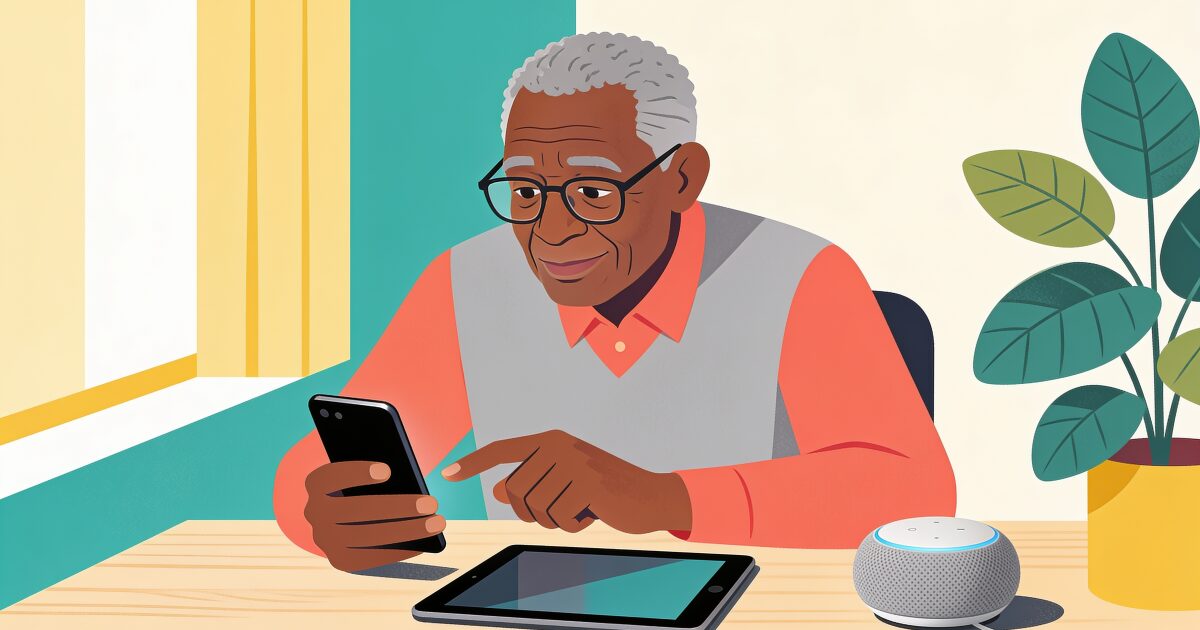
Technology aimed at older adults has quietly become very good. Video calls put faraway grandchildren at the kitchen table, a watch can call for help after a fall, and a small speaker will turn the heating up when your knees do not fancy the stairs.
Peace of mind for under /month. Automatic alerts if you ever need help.
Try free for 3 daysThe problem is no longer whether useful technology exists. It is knowing which pieces are worth the money and the learning curve, and which are gadgets that end up in the drawer of good intentions.
This guide organises the landscape the sensible way round: not by product, but by need. Start with the problem you want solved, and the right technology becomes much easier to spot.
Staying connected
Loneliness is the problem technology solves best, and it is where most families should start.
- Video calls. Seeing faces changes everything compared with voice alone. A tablet propped on a stand is the ideal video-call device for older eyes and hands; our guide to the best tablets for seniors compares iPad, Amazon Fire, and the senior-specific GrandPad.
- The right phone. Whether that is a simplified senior phone or a regular smartphone with the text turned up is a genuine choice, and we walk through it in our guide to the best cell phones for seniors.
- Group chats and shared photo albums. A family chat thread, used gently, gives a steady drip of contact between visits. Shared albums that update automatically turn a tablet into a living photo frame.
One habit beats every device here: a standing call at a fixed time each week. Technology makes connection possible; routine makes it actually happen.
Staying safe
Safety technology is where the stakes are highest, and where layering a couple of tools works better than betting on one.
- Daily check-in apps. A simple daily prompt confirms the person is okay; no response, and a trusted contact is alerted. It is the lightest-touch safety net available, because it needs no new hardware and no wearing of anything.
- Smartwatches with fall detection and SOS. A watch that notices a hard fall and calls for help covers the scenario every family fears. Our smartwatch guide for seniors compares Apple Watch, Samsung Galaxy Watch, and dedicated medical alert watches.
- Personal alarms and panic buttons. The classic pendant remains simple and dependable, with monitored services adding a 24-hour human response. See our guides to personal alarms for the elderly and panic buttons for seniors.
- Video doorbells. Seeing and speaking to callers without opening the door takes the pressure out of doorstep visits and deters scammers.
Technology is one part of a bigger picture here; our roundup of safety tips for seniors living alone covers the low-tech habits that matter just as much.
Staying healthy
Health technology works best when it nudges rather than nags.
3-day free trial • Cancel anytime
Daily check-ins that save lives
Join thousands who never worry about being alone
- Medication reminders. Phone alarms, watch taps, or automatic pill dispensers all beat memory alone. Missed doses are one of the most common and most fixable health risks for people living alone.
- Health tracking. Modern watches quietly track heart rate, sleep, and activity, and can flag irregular heart rhythms worth mentioning to a doctor. Blood pressure monitors that sync to a phone make readings easy to share at appointments.
- Video GP appointments. Once video calling is comfortable for family chats, remote medical appointments come almost free, saving difficult journeys.
A gentle warning: health data is a servant, not a master. A watch that prompts a pleasant walk is a blessing; obsessing over nightly sleep scores is not.
Staying sharp and entertained
This is the category people underrate, and often the one that makes a device beloved rather than tolerated.
- Games and puzzles. Crosswords, sudoku, word games, and card games shine on a tablet's big touchscreen. Our guide to brain games for seniors is a good starting shelf.
- E-readers and audiobooks. Adjustable text size gives reading back to people who quietly gave it up, and audiobooks fill the house with stories while hands are busy.
- Music and radio. A voice assistant that plays any song from your twenties on request is, for many people, the moment technology wins them over.
- Apps chosen with care. A handful of well-chosen apps beats a crowded screen; we keep a list in our guide to the best apps for seniors.
Smart-home basics
Smart homes sound complicated, but the useful core is small and cheap.
- A voice assistant. A smart speaker or smart display answers questions, sets timers, plays music, and makes calls, all by voice. It is often the easiest technology an older adult will ever adopt, because talking is not a new skill. Our guide to Alexa for seniors covers setup and the most useful commands.
- Smart plugs and lights. "Turn on the lamp" from bed, or lights on a schedule so nobody crosses a dark room, is fall prevention disguised as convenience.
- Smart thermostats. Warmth without fiddling with controls, and family can check remotely that the house is not going cold.
Start with the speaker. Add one plug or bulb once the speaker feels normal. Resist doing the whole house in a weekend.
Getting past the learning curve
Every family underestimates this part, and it decides whether any of the above gets used.
- One thing at a time. A new tablet, watch, and speaker in the same week guarantees overwhelm. Let each device become boring before adding the next.
- Set it up fully before handing it over. Accounts signed in, text enlarged, contacts loaded, clutter removed. First impressions decide everything.
- Let them succeed early. A first-day win, like a video call that just works, builds the confidence that carries through later frustrations.
- Write it down. A card by the device with three or four numbered steps outlasts any spoken explanation.
- Make support a ritual, not a rescue. A standing weekly tech slot feels dignified; only calling when something is broken feels like failure. Patience, repeated kindly, is the whole trick.
- Use local classes. Libraries, community centres, and charities such as Age UK run free digital-skills sessions where nobody feels slow.
And a word for the helpers: your calm matters more than your knowledge. Nobody learns from a sigh. If you are supporting a parent from a distance, our guide to caring for elderly parents who live alone pairs well with this one.
The quiet layer underneath it all
Here is the honest limit of everything above. Phones, tablets, watches, and speakers are wonderful while someone can pick them up and use them. But if a person falls, is taken ill, or simply cannot get to a device, most of this technology sits silent. It does not notice absence.
A daily check-in app is built for exactly that gap. One gentle prompt a day, one tap to say "I'm okay", and if the tap never comes, someone trusted is alerted to check in person. It asks almost nothing of the person using it, which is precisely why it keeps working when fancier tools fail.
Whatever mix of technology you choose from this guide, a daily check-in makes a calm foundation under it. You can see how a daily check-in works.
Get the free Living Alone Safety Checklist
The home setup, daily habits, and emergency info that keep people living alone safe, in one email you can act on this week.
Please complete the verification above.
Check your inbox
Your safety checklist is on the way to .
Frequently asked questions
RATED 5.0 ON THE APP STORE
Never Wonder "Are They Okay?" Again
Daily check-ins with automatic alerts to your loved ones if you ever need help.
"I was skeptical at first, but after my neighbor was found 3 days after a fall, I signed up immediately. Now my daughter knows I'm okay every single day."
— Margaret R., 72, living independently
Related Articles
Medical Alert Watches for Seniors: Options, Costs, and the Fall-Detection Gap
A medical alert watch promises help on the wrist, but the label covers very different devices. Here...
GPS Trackers for Elderly Parents: Wandering, Driving, and Knowing They Got Home
A GPS tracker can tell you where a parent is, not how they are. Here is when a tracker genuinely hel...
Best iPhone for Seniors in 2026 (and How to Set One Up for an Older Adult)
An iPhone can be one of the easiest phones for an older adult, if you choose the right size and spen...
Best Flip Phones for Seniors in 2026: Simple, Loud, and Built to Last
A good flip phone gives an older adult real buttons, a battery that lasts for days, and nothing to t...