Best Flip Phones for Seniors in 2026: Simple, Loud, and Built to Last
Published September 18, 2026
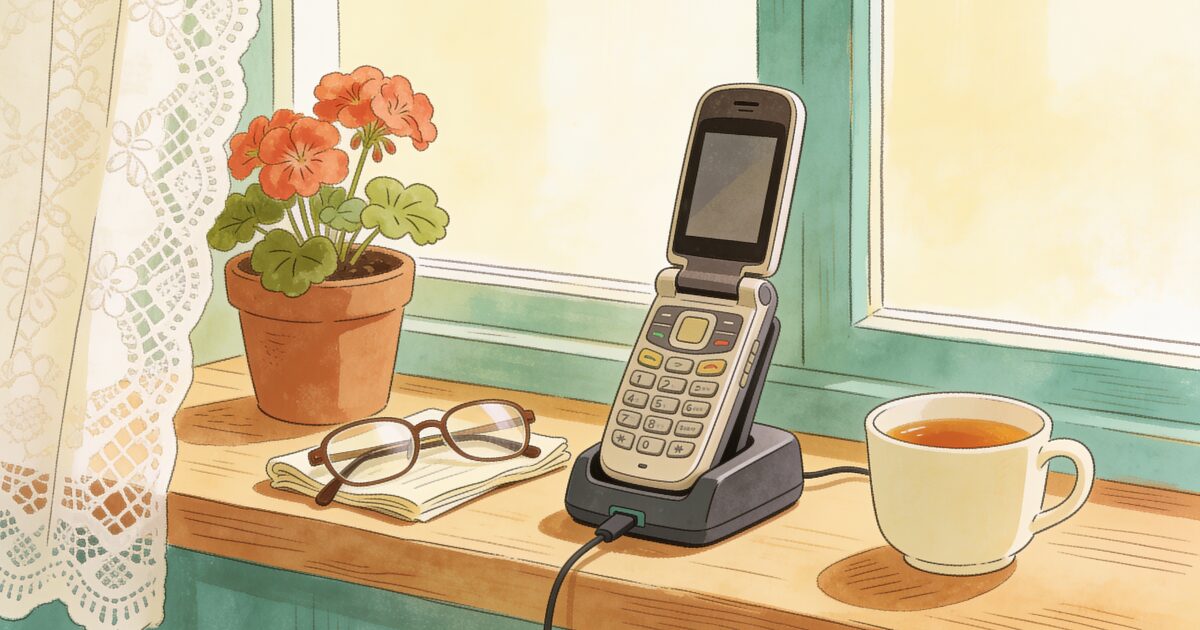
Flip phones were supposed to disappear. Instead, they have quietly kept a loyal following among older adults, and for reasons that have nothing to do with nostalgia.
The call that never comes is the scariest. AssureOkay ensures someone always knows.
Try free for 3 daysA flip phone has buttons you can feel. It answers when you open it and hangs up when you close it. The battery lasts days. It costs a fraction of a smartphone, and there is almost nothing on it to tap by mistake. For someone who wants a phone to make calls and send the occasional text, that is not a compromise. It is the whole point.
There is no single best flip phone for seniors, only the right one for a particular person's eyesight, hearing, hands, and budget. This guide covers what to look for, the models worth considering, the one that looks like a senior flip phone but is not, and the honest gap that any flip phone leaves. If you are still deciding between a flip and a smartphone, our guide to cell phones for seniors walks through that choice first.
Why a flip phone still makes sense
- Physical buttons. Large, raised keys are easier for stiff fingers and poor eyesight than a glass screen. You can dial by feel.
- Open to answer, close to end. The single most confusing thing about a smartphone for many older people is how to hang up. A flip phone removes the question.
- Battery for days. A flip phone charged once or twice a week is a phone that is actually on when it is needed.
- Nothing to tap by accident. No pocket dialling, no apps rearranged, no settings changed by a stray thumb.
- Low cost. Flip phones are cheap to buy and cheap to replace if dropped or lost, and they pair well with the cheapest plans.
- Fewer distractions and fewer scams. No app store, no pop-ups, and far fewer routes for a scammer to get in.
The trade-off is equally clear. No video calls with grandchildren, no maps, no photo sharing in the family group chat, and no apps of any kind. If those matter, a simplified smartphone is the better path.
What to look for in a flip phone for an older adult
The differences between flip phones are small on paper and large in daily use. Check these before you buy:
- Button size and spacing. Look for large, separated keys with clear high-contrast numbers. Backlit keys help in a dim room.
- Speaker loudness. Both the earpiece and the speakerphone. Senior-focused models are noticeably louder than ordinary flips. If possible, make a test call in a store.
- Hearing-aid compatibility rating. Phones sold in the US carry an M rating (for using the phone with the microphone on a hearing aid) and a T rating (for hearing aids with a telecoil). M3 or M4 and T3 or T4 are the ratings to look for if the person wears hearing aids.
- An SOS or assistance button. Some models have a dedicated button, often on the back, that calls a list of contacts in turn or connects to a response service. Our guide to panic buttons for seniors explains how these work and what they can and cannot do.
- 4G LTE. This is non-negotiable in 2026. US carriers shut down their 3G networks in 2022, so an older flip phone from a drawer will not make calls any more. Any flip phone you buy must support 4G LTE calling.
- A charging cradle. Dropping the phone into a dock is far easier than lining up a small cable. Some senior models include one; for others it is an optional accessory.
- An external display. A small screen on the outside shows the time, missed calls, and who is calling without opening the phone.
- A big, clear main screen. Text size should be adjustable, and the menu should be a simple list rather than a grid.
The flip phones worth considering
Jitterbug Flip2 (Lively)
The best-known senior flip phone in the US. Big buttons, a loud speaker, a simple list menu, a dedicated urgent response button, and Amazon Alexa built in so you can say who you want to call. The catch is that it only works on Lively's own service plans, and the urgent response line is part of an optional monthly safety package. Our Jitterbug phone review goes through the phone and the plans in detail.
Doro flip phones
Doro is a Swedish company that has made phones for older adults for two decades. Its flip models have large keys, very loud speakers, a clear external display, and an assistance button on the back that can call a list of family members in turn. Doro phones are not tied to one company's service in the way Jitterbug is. In the US they have mainly been sold through Consumer Cellular, so check current availability.
Nokia and HMD flip phones
HMD, the company that makes Nokia-branded phones, sells modern 4G flip phones with the classic Nokia feel: sturdy, straightforward, and inexpensive. They are not designed specifically for seniors, so the buttons are a little smaller and there is no dedicated SOS button, but they are reliable, work on the major carriers, and suit an older adult who is comfortable with a normal phone and simply wants buttons.
3-day free trial • Cancel anytime
Daily check-ins that save lives
Join thousands who never worry about being alone
Alcatel and TCL flip phones from the carriers
Walk into a Verizon, AT&T or T-Mobile store and ask for a flip phone, and you will usually be handed an Alcatel or TCL model. They are cheap, support 4G, and are often the easiest option if you want to stay with the current carrier. They are general-purpose rather than senior-specific, so check the speaker volume and button size in person, and remember they may be locked to that carrier.
Samsung Galaxy Z Flip: not for most seniors
It folds, so it appears in searches for flip phones, but the Galaxy Z Flip is a full touchscreen smartphone that happens to bend in half. It is expensive, the screen is glass, and the folding mechanism needs some care. For a tech-comfortable older adult who wants a flagship smartphone in a compact shape, it can be wonderful. For someone who wants buttons and simplicity, it is the wrong phone.
Flip phones compared
| Model | Standout feature | Best for | Watch-out |
|---|---|---|---|
| Jitterbug Flip2 (Lively) | Urgent response button and Alexa voice control | Someone who wants a help line built into the phone | Only works on Lively plans; safety line costs extra monthly |
| Doro flip models | Very loud speaker and back-mounted assistance button | Hearing loss, shaky hands, or wanting an SOS button without a locked service | Limited US availability; check which carriers support it |
| Nokia / HMD 4G flip | Sturdy, simple, inexpensive, works on major carriers | A confident user who just wants buttons | Smaller keys; no dedicated SOS button |
| Alcatel / TCL carrier flip | Cheap and available in-store on your current carrier | Staying with an existing carrier on a tight budget | General-purpose design; may be carrier-locked |
| Samsung Galaxy Z Flip | Full flagship smartphone that folds | Tech-comfortable adults who want a compact premium phone | Touchscreen, costly, and not a simple phone at all |
Flip phones and the plan
A flip phone is a light user's phone, so it pairs naturally with a light user's plan: unlimited talk and text and little or no data. Prepaid carriers and Consumer Cellular are good matches, and a 55+ plan from a major carrier is an option if two lines and a store matter more than the lowest price.
Two specifics. Jitterbug phones only work on Lively's plans. And carrier-branded flip phones may be locked to the carrier that sold them until they are paid off, so ask before assuming you can move. Our guide to the best cell phone plans for seniors covers the options in detail.
Setting up a flip phone for a parent
Even a simple phone benefits from an hour of setup before it is handed over:
- Save the important numbers first, and assign the most-used ones to speed-dial keys so a single long press calls a daughter or a neighbour.
- Turn the ringer, earpiece and speakerphone volume up, then test a real call to check it can be heard from across the room.
- Set the text size to the largest comfortable option and choose a ringtone that stands out.
- Set up the SOS button with the right contacts in the right order, and explain what happens when it is pressed.
- Practise open, answer, close, and text a few times together. Then be patient with the same question asked more than once.
If a flip phone turns out to be too limiting, a simplified smartphone is the next step up. Our iPhone for seniors guide covers how far a mainstream phone can be pared back.
A flip phone can call for help, but it cannot check in for you
A good flip phone does its job well: it makes calls, sends texts, and, on the right model, puts a help button within reach. For many older adults that is exactly the right amount of technology.
But a flip phone shares the limit of every phone, and adds one of its own. Like any phone, it only helps when the person can reach it and use it, which after a fall or a sudden illness may not be possible. And unlike a smartphone, it cannot run a check-in app, so the usual tap-to-say-you-are-okay approach is off the table.
That does not mean a flip-phone user has to go without a daily check-in. It simply happens by text or by phone. Each day they receive a short text message and reply to confirm they are okay, or they receive an automated phone call and answer it. If they do not respond, the family, friends or neighbours they chose are alerted automatically. The automated phone call check-in works on any flip phone or landline, with nothing to install and nothing new to learn.
Get the free Living Alone Safety Checklist
The home setup, daily habits, and emergency info that keep people living alone safe, in one email you can act on this week.
Please complete the verification above.
Check your inbox
Your safety checklist is on the way to .
Frequently asked questions
RATED 5.0 ON THE APP STORE
Never Wonder "Are They Okay?" Again
Daily check-ins with automatic alerts to your loved ones if you ever need help.
"I was skeptical at first, but after my neighbor was found 3 days after a fall, I signed up immediately. Now my daughter knows I'm okay every single day."
— Margaret R., 72, living independently
Related Articles
Best Mobile Phones for the Elderly in the UK (2026): Big Buttons, Simple Smartphones, and What to Check
Doro or Nokia, big buttons or a simplified smartphone, pay-as-you-go or SIM-only? A plain UK guide t...
Best Cell Phones for Seniors in 2026: How to Choose the Right One
Simplified senior phone or a regular smartphone with the right settings? Here's a plain guide to cho...
Medical Alert Watches for Seniors: Options, Costs, and the Fall-Detection Gap
A medical alert watch promises help on the wrist, but the label covers very different devices. Here...
Best iPhone for Seniors in 2026 (and How to Set One Up for an Older Adult)
An iPhone can be one of the easiest phones for an older adult, if you choose the right size and spen...