Apple Watch Fall Detection: How It Works, How to Turn It On, and What It Cannot Do
Published September 25, 2026
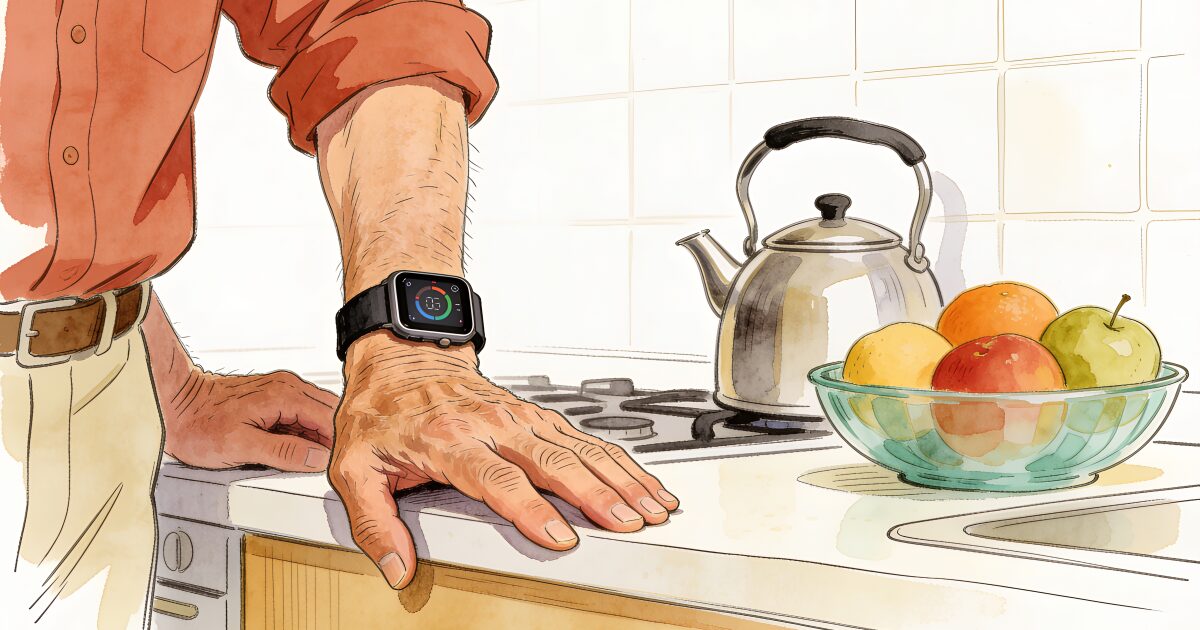
If you are reading this, you have probably pictured the same scene most adult children picture: a parent on the floor, phone in another room, nobody due to visit until the weekend. Apple Watch fall detection exists for exactly that moment, and it is one of the better reasons to put a smartwatch on an older adult's wrist.
The call that never comes is the scariest. AssureOkay ensures someone always knows.
Try free for 3 daysIt is also widely misunderstood. Some people assume it catches every fall. Others assume it calls 911 the second you trip. Neither is true, and the gap between what it does and what people think it does is where the risk hides.
This guide explains how the feature works in plain terms, which models have it, how to switch it on and set it up properly, and what it cannot do. That last section is not there to talk you out of a watch. It is there so the watch becomes one layer of protection rather than the only one.
How Apple Watch fall detection actually works
The watch uses its accelerometer and gyroscope, the same motion sensors that count steps, to look for the signature of a hard fall: a sudden impact followed by the kind of movement a body makes when it hits the ground.
When it thinks it has detected one, it taps the wearer on the wrist, sounds an alarm, and shows an alert on the screen. The wearer can tap to say they are fine, or slide to call emergency services straight away.
If the wearer does not respond and the watch senses they have been immobile for about a minute, it takes over. It calls emergency services (911 in the US), plays a message giving the wearer's location, and then sends a text to the people listed as emergency contacts, including that location.
Two details matter here. The first is that "immobile" is doing the work. If someone falls, gets up, and carries on, the watch will not call anyone unless they ask it to. The second is that the automatic call only happens if the watch believes it is on a wrist, which we come back to below.
Which Apple Watch models have fall detection?
Fall detection arrived with Apple Watch Series 4 and has been on every numbered Series since, along with every Apple Watch SE and the Apple Watch Ultra. If you are buying new, every current model has it. If you are considering a second-hand watch to save money, avoid Series 3 and earlier, which do not.
The other decision is GPS-only versus GPS + Cellular, which affects how the watch calls for help when the iPhone is not nearby. More on that further down.
| Model tier | Fall detection | Cellular option | Best for |
|---|---|---|---|
| Apple Watch SE | Yes | Yes, on GPS + Cellular models | A first watch on a modest budget |
| Apple Watch Series (current numbered models) | Yes | Yes, on GPS + Cellular models | Most people; the always-on screen is easier to glance at |
| Apple Watch Ultra | Yes | Included on every Ultra | Poor eyesight or outdoor use; large and heavy on a small wrist |
| Second-hand Series 4 to 6 | Yes | Yes, on cellular versions | Tight budgets; check battery health before buying |
| Series 3 and earlier | No | Varies | Not recommended if fall detection is the reason for buying |
If the watch is arriving alongside a new phone, our guide to the best iPhone for seniors covers what pairs well, and the wider smartwatch guide for seniors compares Apple with Samsung, Google, and dedicated medical alert watches.
Is it already on? The age rule
Apple turns fall detection on automatically for anyone who entered an age of 55 or over when they set up the watch or filled in their details in the Health app. For younger wearers it is off by default, because vigorous activity can trigger false alarms.
Do not rely on the default. Plenty of parents skip the date of birth, enter it wrong, or had the watch set up by a grandchild in a hurry. Check it.
How to turn fall detection on, step by step
You can do this on the paired iPhone or on the watch itself. The iPhone route is easier to read, so start there.
- Open the Watch app on the iPhone. Make sure you are on the My Watch tab at the bottom of the screen.
- Tap Emergency SOS. It sits in the main list of settings.
- Turn on Fall Detection. If the toggle is grey, tap it.
- Choose Always On. The alternative, Only On During Workouts, is designed for younger, active users who get false alarms mid-run. For an older adult you want it on all day and all night.
- Talk through the false alarm together. The watch will occasionally ask "did you fall?" after a hard sit-down or a knock against a door frame. Tapping "I'm OK" is all it needs. Practising this once means it is not frightening when it happens for real.
On the watch itself the same switch lives under Settings, then SOS, then Fall Detection.
Medical ID, emergency contacts, and wrist detection
Turning the feature on is only half the setup. Three other settings decide whether it is useful on the day.
3-day free trial • Cancel anytime
Daily check-ins that save lives
Join thousands who never worry about being alone
Emergency contacts. These are set in the Health app on the iPhone, under Medical ID. Add at least two people, and make sure the numbers are cell phones that can receive texts, because this is where the fall alert and location are sent. A landline listed here will not get the message.
Medical ID. While you are there, fill in conditions, medications, allergies, and blood type. A responder can read it from the locked watch or phone. A paper copy on the fridge still helps too, and our free emergency contact card is a quick way to make one.
Wrist detection. This one catches people out. On the watch, under Settings, then Passcode, there is a Wrist Detection switch. It must be on. If it is off, the watch cannot tell it is being worn, and it will not place the automatic emergency call after a fall. Some people switch it off because it makes the watch ask for a passcode more often. If a parent finds the passcode prompt irritating, the answer is a simple four-digit code, not turning wrist detection off.
Cellular or GPS-only: how the call gets out
The watch needs a way to reach the outside world to call 911 and message contacts. It has three: its own cellular connection, the paired iPhone nearby over Bluetooth, or a known Wi-Fi network.
A GPS-only watch relies on the second and third. If the iPhone is in the same house and switched on, that usually works. If the iPhone is in the car, or flat, or on the kitchen counter while the fall happens at the bottom of the garden, the watch may have no route out. Falling back to Wi-Fi also depends on the carrier supporting it.
A GPS + Cellular watch has its own connection, so it can call for help with the iPhone nowhere near. It costs more up front and needs a small monthly line from the carrier, usually added to the existing plan. For an older adult who does not carry their phone from room to room, and most do not, cellular is the version worth paying for.
Cellular also opens up Apple's Family Setup, which lets a family member's iPhone manage a cellular watch for someone who does not own an iPhone at all. Not every feature works in that mode, but it is worth knowing about for a parent who has never wanted a smartphone and never will.
The charging routine nobody mentions
An Apple Watch is designed to last around a day on a charge, a little more on some models. The habit almost everyone falls into is charging it overnight on the bedside table.
Think about what that means. Falls at night, on the way to the bathroom in the dark, are among the most common and most dangerous for older adults. A watch on the charger is not on the wrist. It cannot detect anything.
The fix is a different routine. Charge during a predictable seated period instead: the morning coffee and paper, the evening news, a bath. Forty-five minutes to an hour most days is enough to keep it topped up. Then the watch goes back on before bed and stays on the wrist through the night, which is when it matters most.
Set a daily reminder on the iPhone if the habit will not stick, and think about where the cable lives. A charger beside the favourite armchair gets used at teatime. A charger in the bedroom gets used at bedtime, and that is the wrong time.
What Apple Watch fall detection cannot do
Now the honest part. Fall detection is good, and it has helped real people. It also has gaps, and knowing them is what turns a gadget into a plan.
- It misses falls that do not look like falls. The sensors are tuned for a hard impact. A slow slide down a wall, a crumple from a seated position, or lowering yourself to the floor and then being unable to get back up may not register at all. Those are common in older adults.
- It can cry wolf. Vigorous activity, a hard clap, or a heavy sit into a car seat can trigger the "did you fall?" alert. Most people tap "I'm OK" and move on. The real risk is a parent who finds the alerts annoying and quietly turns the feature off.
- It only works when worn. Every hour the watch is on the charger, in a drawer, or left off because the strap irritates, there is no fall detection at all. Consistent wearing is the whole game.
- It needs a connection. No cellular, no iPhone nearby, no known Wi-Fi: no call.
- It does not know if someone is unwell. A person who is dizzy, confused, feverish, or simply not right, but still upright, looks fine to a motion sensor. A stroke that leaves someone sitting on the sofa unable to speak is invisible to it.
- It responds to an event, not to a silence. If nothing dramatic happens, nothing is reported. A quiet, worrying day generates no alert.
If you or a parent live alone, it is worth reading what to do if you fall and live alone so the plan does not stop at the watch, and working through some practical fall prevention tips for people living alone that reduce the chance of ever needing the feature.
A watch that catches falls, and a check-in that catches the rest
Apple Watch fall detection is one of the best safety features you can put on an older adult's wrist, and set up the way this guide describes it will do its job. But it watches for one thing: a hard fall while the watch is worn and connected. It does not notice a slow decline, an illness, a day the watch sat on the charger, or the simple silence of a parent who has not been heard from.
A daily check-in fills that gap. The person confirms once a day that they are okay, by tapping a notification, replying to a text, or answering a short automated call, and if the check-in is missed, the family and friends they chose are alerted automatically.
On an Apple Watch, the check-in can happen without any tapping at all. Our companion app can check in automatically while the watch is being worn, so the same device that waits for a fall also quietly confirms each day that all is well. See how the Apple Watch check-in app works.
Get the free Living Alone Safety Checklist
The home setup, daily habits, and emergency info that keep people living alone safe, in one email you can act on this week.
Please complete the verification above.
Check your inbox
Your safety checklist is on the way to .
Frequently asked questions
RATED 5.0 ON THE APP STORE
Never Wonder "Are They Okay?" Again
Daily check-ins with automatic alerts to your loved ones if you ever need help.
"I was skeptical at first, but after my neighbor was found 3 days after a fall, I signed up immediately. Now my daughter knows I'm okay every single day."
— Margaret R., 72, living independently
Related Articles
Medical Alert Watches for Seniors: Options, Costs, and the Fall-Detection Gap
A medical alert watch promises help on the wrist, but the label covers very different devices. Here...
Best Smartwatch for Seniors: Fall Detection, SOS, and How to Choose
Fall detection, SOS calling, and heart alerts on the wrist: here's how Apple Watch, Samsung Galaxy W...
GPS Trackers for Elderly Parents: Wandering, Driving, and Knowing They Got Home
A GPS tracker can tell you where a parent is, not how they are. Here is when a tracker genuinely hel...
Best Mobile Phones for the Elderly in the UK (2026): Big Buttons, Simple Smartphones, and What to Check
Doro or Nokia, big buttons or a simplified smartphone, pay-as-you-go or SIM-only? A plain UK guide t...