Long Distance Caregiving: How to Care for Elderly Parents From Afar
Published August 26, 2026
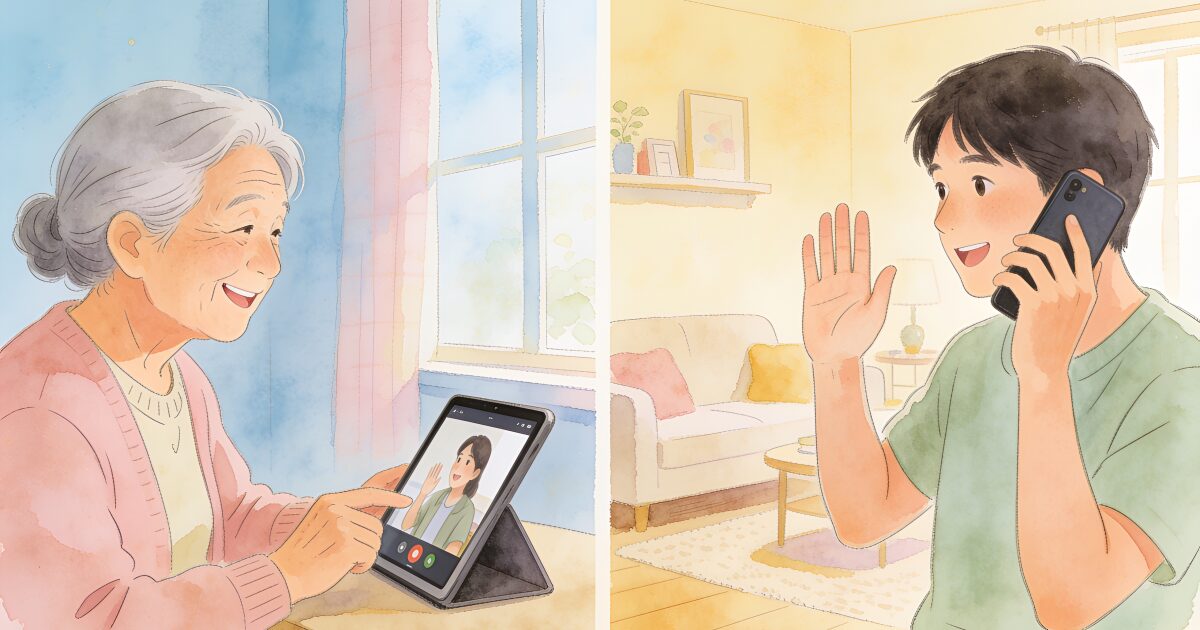
You hang up the phone and the doubt starts before you've put it down. She sounded tired. Was that just the afternoon, or something more? You're 200 miles away (or a timezone away), and you can't exactly pop round to find out.
Don't let distance keep you from knowing they're safe. Daily check-ins, anywhere in the world.
Try free for 3 daysThat's the peculiar shape of long distance caregiving: all of the worry, a fraction of the information, and a steady drip of guilt about not being there. Millions of people care for parents from another city or country, and most of them feel like they're doing it badly. Almost all of them are wrong about that.
Distance changes which jobs are yours. It doesn't make you a lesser carer. The trick is to be deliberate about three things: who's on the ground, what you own from afar, and how information flows in between.
Start by putting down the guilt
Guilt is the default setting of the long distance carer, so deal with it first. You didn't move away to abandon anyone; you built a life, as your parent almost certainly wanted you to. And presence isn't the only currency of care. The sibling doing the daily visits is carrying a heavy load, but so is the person managing the finances, chasing consultants, and lying awake two postcodes or two countries away.
Guilt burns energy that the job needs. Spend it on the sections below instead.
Build the local circle
Your first project is making sure your parent is surrounded by people who are physically near, because some things simply require hands on the ground.
- Neighbours: Introduce yourself, swap numbers, and give one or two of them explicit permission to be nosy. A neighbour who notices closed curtains at noon is worth any gadget.
- Friends and community: Church or faith groups, clubs, old colleagues. Regular social contact doubles as informal monitoring, in the best sense.
- Paid help: A cleaner, gardener, or carer visiting weekly is another consistent pair of eyes, not just a service.
- One "eyes and ears" person: Designate a single nearby contact (a sibling, cousin, or trusted friend) who can be at the house within the hour if needed. Everyone, including your parent, should know who this is.
- The professionals: Make sure the GP surgery and pharmacy know who you are and, with your parent's consent, will speak to you.
Write the circle down: names, numbers, and who does what. In a wobble, you don't want to be reconstructing it from memory.
What you can genuinely do from afar
Plenty of caregiving is location-independent, and taking these jobs properly is how you pull your weight from a distance.
3-day free trial • Cancel anytime
Daily check-ins that save lives
Join thousands who never worry about being alone
- Finances and paperwork: Bills, insurance, benefits and entitlements, pension admin, and (set up early, while it's easy) power of attorney. This is hours of work a week that you can own completely.
- Appointments and telehealth: Book appointments, keep the shared record of medications and questions, and join GP or consultant calls by phone or video. Two sets of ears on medical conversations catch what one misses.
- Groceries and prescriptions by delivery: Set up a repeating online grocery order you can top up remotely, and move prescriptions to a pharmacy that delivers. You can quietly make sure there's decent food in the fridge from another country.
- Care coordination: Researching carers, comparing day centres, chasing the council about assessments, scheduling the rota. Coordination is a real job; do it so the local people don't have to.
- Daily connection rituals: A fixed evening phone call, a morning voice note, doing the crossword together over video on Sundays. Rhythm matters more than duration; predictable contact is what actually eases loneliness on both ends.
Technology that closes the distance honestly
The right test for any tool: does it help your parent live independently, or does it just watch them? Aim for the first.
- Video calls on whatever device your parent already likes. Faces reveal what voices hide: weight loss, pallor, an unusually messy room in the background.
- A shared family calendar for appointments, visits, and the carer rota, so everyone sees the same picture.
- A daily check-in app with a family view. Your parent taps once a day (or answers an automated call) to confirm they're okay, and everyone in the family sees the reassuring green tick without anyone having to ring and ask.
- A smart doorbell, which lets your parent screen callers and lets you help them handle unexpected ones.
- A smartwatch with SOS or a personal alarm for summoning help in the moment.
If your parent is wary of technology, start with one tool, chosen with them rather than for them. Our guide to technology for seniors covers how to introduce it without a fight.
Make visits count
When you're rarely there in person, visits need a little engineering alongside the affection.
- Audit the home. Video calls hide everything below chest height. Walk the house with our aging in place checklist: rugs, lighting, grab rails, smoke alarms, the state of the stairs.
- Look at what calls can't show you. The fridge contents, the pile of unopened post, the medication box, the car's new scratches, how steady Dad is on the step.
- See the people, not just the parent. Have a cuppa with the key neighbour, meet the carer, put faces to your local circle.
- Do the awkward jobs in person. Paperwork signatures, the power of attorney conversation, sorting the key safe. Some conversations go better across a kitchen table.
- Leave slack for just being there. If the whole visit is a checklist, you'll both feel it. The point of everything else is to protect time that's simply mum and you.
Plan for the bad day before it comes
The worst moment to design an emergency plan is during the emergency, at a distance, at 11pm. Settle these now:
- Who has keys? At least two local people, plus a key safe with the code shared sensibly.
- Who calls whom, in what order? Your parent's first call, your first call, and who goes to the house.
- What information is where? Medications, conditions, GP details in one in-case-of-emergency file that local contacts can find.
- When do you escalate? Agree in advance what out-of-character silence looks like and how long you try calls, neighbours, and keyholders before involving the police. Understand what a welfare check is and when it's appropriate, so it's a considered step rather than a panic move.
Watch for burnout, in yourself and the local sibling
Long distance caregiving has its own exhaustion: the vigilance of never quite knowing, stacked on top of your own job and family. And if a sibling is doing the local share, they're carrying the daily physical load. Check on each other honestly, share the jobs in writing, and take the signs seriously; our guide to caregiver burnout covers what to look for and what helps. A rota that looks fair from a distance can feel very unfair up close, so ask, don't assume.
Shrinking the gap between calls
Everything in this guide is really aimed at one problem: the information gap. Between your calls and the neighbour's glances, there are long stretches when you simply don't know, and that unknowing is where the 3am worry lives.
This is exactly what a daily check-in app is built for. Your parent confirms they're okay once a day, with a single tap or by answering a friendly automated phone call (which works on an ordinary landline, no smartphone required). You and your siblings see the check-in from wherever you live. If one is ever missed, the app escalates automatically: alerting you, then your local eyes-and-ears person, so the response starts in minutes even when you're hundreds of miles away.
It's not surveillance, and your parent stays in control. It's a once-a-day "all's well" that replaces the anxious ring-arounds and lets your actual calls be about life, not safety checks. For long distance families, that's usually the single biggest worry-reducer available. See how a daily check-in works and set it up together on your next visit.
Get the free Living Alone Safety Checklist
The home setup, daily habits, and emergency info that keep people living alone safe, in one email you can act on this week.
Please complete the verification above.
Check your inbox
Your safety checklist is on the way to .
Frequently asked questions
RATED 5.0 ON THE APP STORE
Never Wonder "Are They Okay?" Again
Daily check-ins with automatic alerts to your loved ones if you ever need help.
"I was skeptical at first, but after my neighbor was found 3 days after a fall, I signed up immediately. Now my daughter knows I'm okay every single day."
— Margaret R., 72, living independently
Related Articles
Life360 for Elderly Parents: What It Does, What It Misses, and Alternatives
Life360 is excellent at answering 'did Dad get home?' and poor at answering 'is Mum okay today?'. He...
Caring for Aging Parents: A Starter Guide for the First Year
It usually starts with a phone call. This guide walks through the first year of caring for an aging...
Best Apps for Caregivers in 2026: Medication, Coordination, Safety, and Check-Ins
No single app does caregiving. This honest roundup groups the best caregiver apps by the job they do...
Gifts for Elderly Parents: 20 Thoughtful Ideas They'll Actually Use
When a parent has everything they need, a good gift is a thoughtful one. Here are 20 ideas that brin...